
AI biosecurity controls · architecture guide · AI biosecurity controls
The lab is not the only risk surface: AI biosecurity beyond wet-lab access
AI systems create risk surfaces in information access, cloud services, agent handoffs, identity, and operational decisions. A control programme has to cover the digital pathway, not only a physical setting.
This tutorial uses plain language first and introduces technical terms only when they help. Read it with a small example from your own AI work in mind—a support agent, planner, researcher, or other ai agent.
01
The risk surface follows the workflow
It is tempting to associate biosecurity only with a physical laboratory. Modern AI products show why that is incomplete. A system may classify a request, retrieve sources, coordinate agents, access a private knowledge base, call a cloud tool, store memory, and create an operational handoff long before anything reaches a physical environment. Each transition is a potential control boundary.
This does not mean every scientific AI product is high risk. It means teams should analyse the architecture they actually ship. A low-authority educational assistant, a research-support product with private retrieval, and an automated workflow with connected services do not require the same controls. The scope, authority, reach, and reversibility of the workflow should determine the safeguards.
02
Map the connected surfaces before adding more capability
Make a simple inventory: users and service identities; products and environments; models and providers; data stores; tools and API credentials; agents and handoffs; memory; notification channels; and human approval points. For each, record the allowed purpose, owner, classification, retention rule, and what happens when it is unavailable. This often reveals that an overlooked fallback or shared credential is broader than the feature itself.
Use least privilege at the edges. A retrieval connector should not grant a general administrative credential. A development test should not silently reach production. A tool call should carry organisation, environment, and expiry context. If an agent cannot show the required scope, it should not substitute a broader path merely to complete the task.
03
Test digital boundaries with production-like conditions
Scenario Studio can express a feature’s valid route, while Decomposition Designer can show dependencies and handoffs between agents. Add cases for missing identity, stale source metadata, cross-environment requests, lost approval state, unavailable dependencies, and provider fallback. The expected safe outcome is frequently a hold, a bounded response, or review—not uninterrupted completion.
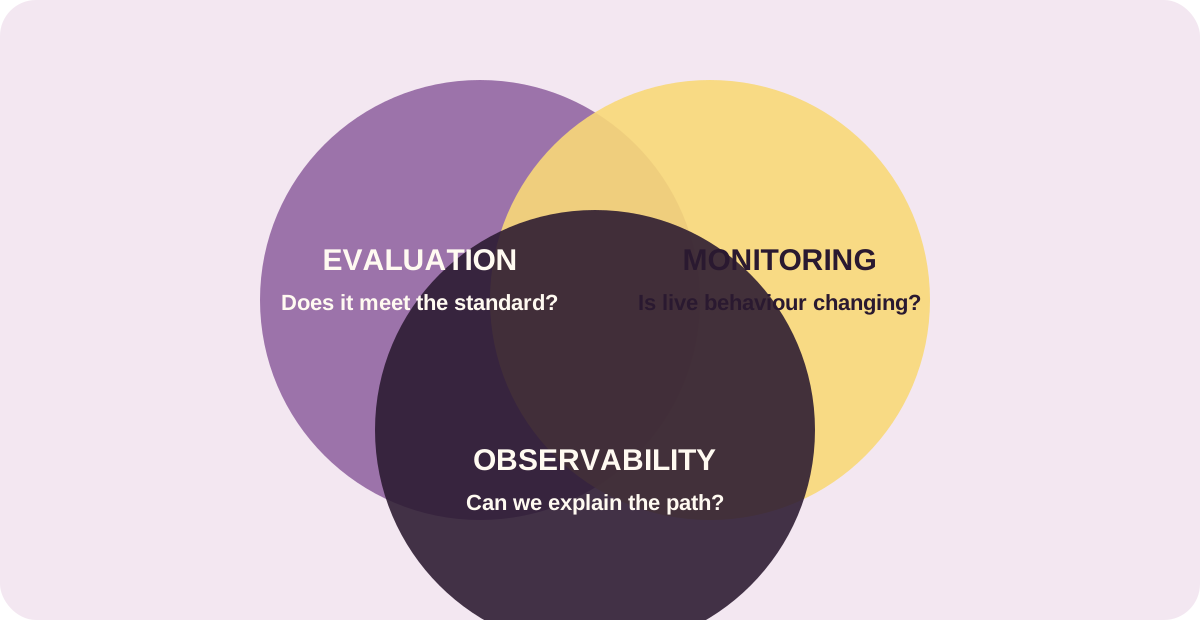
Verify the actual architecture. Record tool attempts, handoff fields, policy version, redaction state, and result. Chaos Studio can inject controlled outages in a non-production environment so the team sees whether the product fails closed. A completed request is not necessarily a good outcome if it completed outside its authorised path.
04
Put operations in the design
A control is incomplete if nobody owns the signal. Monitoring should attach boundary events to a product, environment, scenario, and response owner. RCA should help distinguish a missing trace, provider outage, bad configuration, and genuine product failure. The evidence must be sufficient for investigation but minimise retention of raw sensitive content.
The most reliable architecture is one that stays governable as it evolves: new tools cannot appear without scope, new workflows cannot skip evidence, and changes create regression tests. That is how teams extend useful scientific AI without treating the wider digital system as out of scope.
Where to go next
Keep the loop small: make one change, rerun the evidence, and only then widen the system.